


How to Switch on First Person in GTA 6
 GTA VI
 Games
GTA 6 has officially launched worldwide, and we can now say the launch is a success. The game remains the highest-rated game on Metacritic (99, with the same score on OpenCritic), and sales keep breaking records. Players are already exploring Leonida Keys in huge numbers and looking for the many secrets along the way.
Even before release, a lot of players wondered whether GTA 6 would have a full first-person view, like Red Dead Redemption 2 or GTA 5. Put simply, no, it doesn’t. But there are limited first-person options in some situations.

You can use the first-person mode in GTA 6 by holding L2 (PS5) or LT (Xbox) and press R3 to look around in first-person using the zoom feature, but your character must stand still. In other words, you can’t walk around freely in first-person. You can also aim your weapon with L2/LT and press R3 to look through the scope.
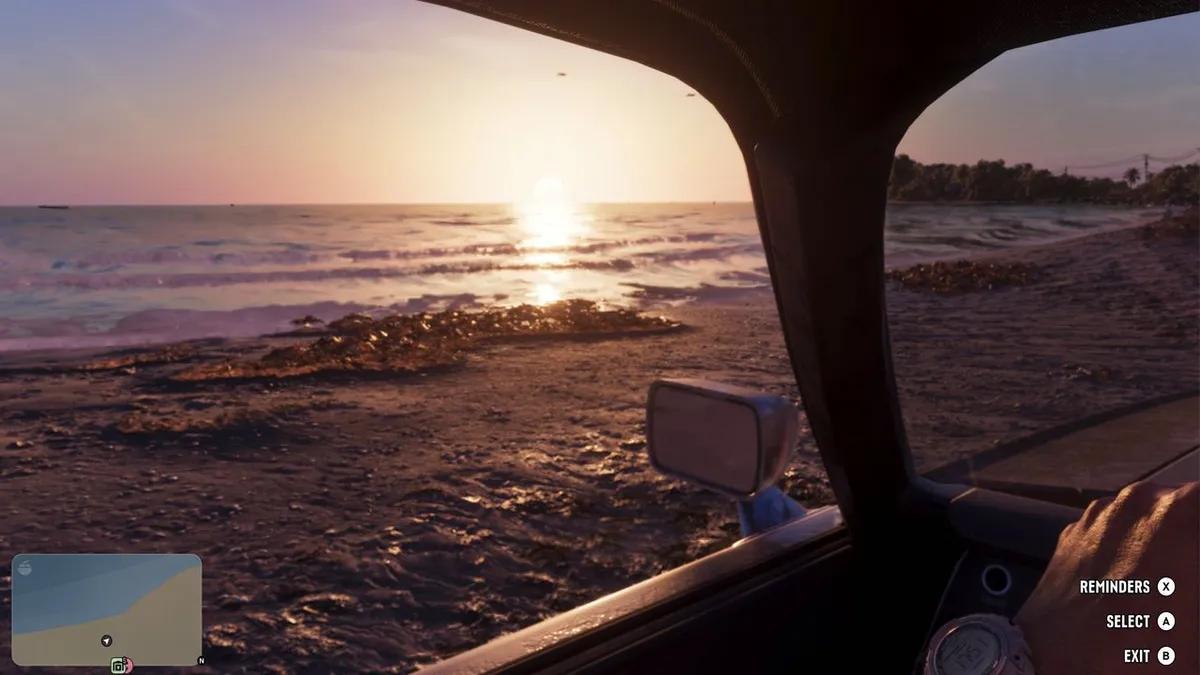
GTA 6 also has a kind of first-person view in a car. It works when you use the in-game phone and scroll through your feed while driving. Hold ‘Up’ on the D-pad, and the camera switches to first-person automatically.
GTA 6 is gonna teach a lot of players not to use their phones while driving.
The driving controls can get pretty distracting when you’re looking at your phone!
As the video above shows, GTA 6 may be a lesson for people who use their phones while driving in real life. As for a full first-person view, Rockstar Games may add it later, as it did with GTA 5 on PS4, Xbox One, and PC. Most likely, though, this won’t happen until the next console generation (and on PC).
GTA 6 is now available on PlayStation 5 and Xbox Series X/S.


 Successfully copied... Thank you for sharing our content!:




5% deposit bonus up to 100 gems


a free Gift Case




EGAMERSW - get 11% Deposit Bonus + Bonus Wheel free spin


EXTRA 10% DEPOSIT BONUS + free 2 spins

3 Free Cases + 100% up to 100 Coins on First Deposit


5 Free Cases, Daily FREE & Welcome Bonuses up to 35%

3 free cases and a 5% bonus added to all cash deposits.

+5% to deposit



Comments